

TLDR: Toolchain upgrade on September 15, 2026
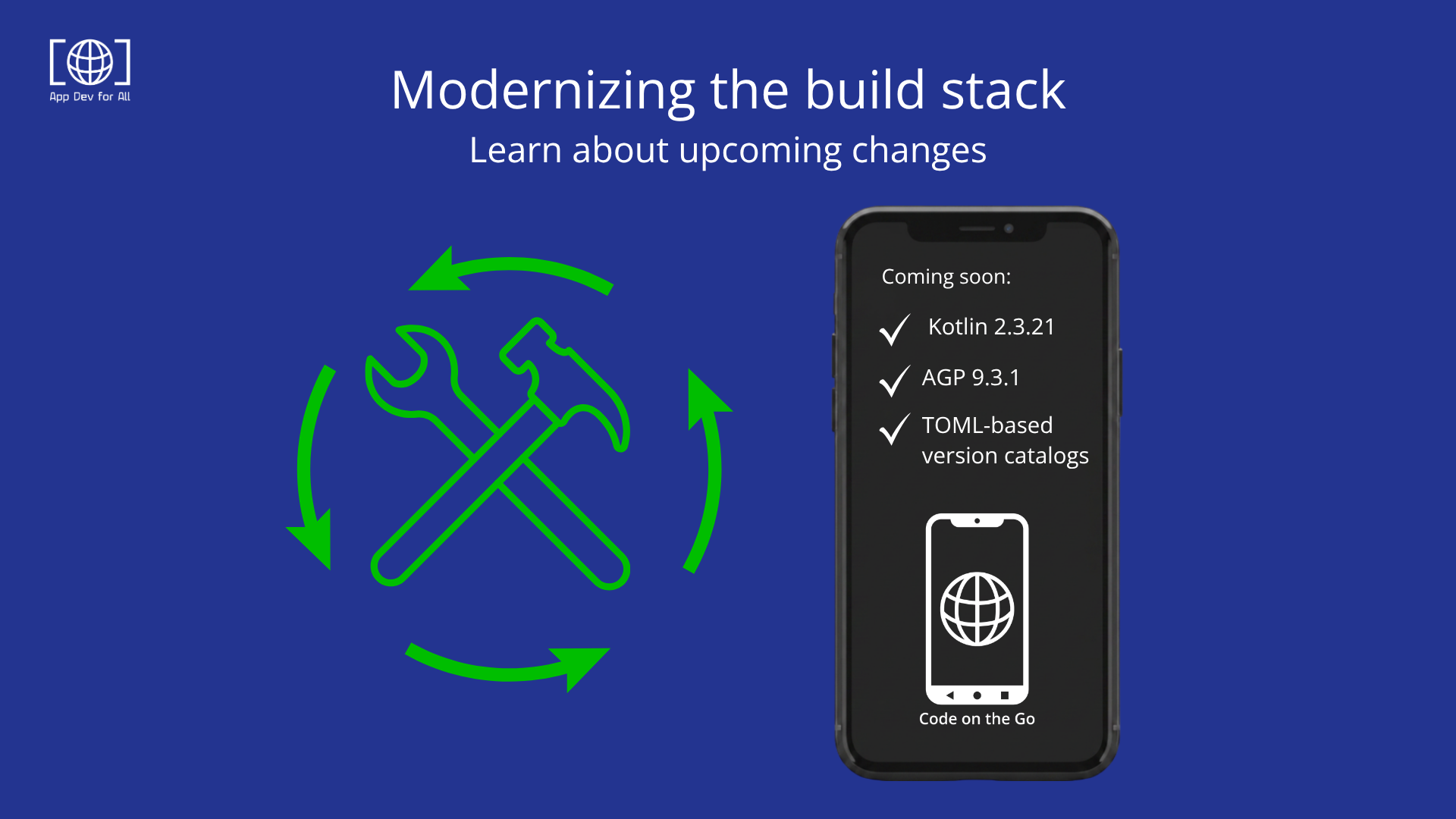
Release 26.38, published on Tuesday, September 15, 2026, introduces a significant overhaul of our core development stack, including:
- Kotlin 2.3.21: A required upgrade to the core Kotlin version.
- Android Gradle Plugin (AGP) 9.3.1: A required move, which brings Gradle 9.6.1 along with it.
- TOML-based version catalogs: Now available for developers who want centralized dependency management, though this one is optional and not required to build on the updated stack.
These changes are not incremental updates; they represent a strategic shift toward a more maintainable, performant, and future-proof IDE environment for Kotlin developers.
IMPORTANT: To ensure that your existing projects will build correctly after the installing release 26.38, please follow the steps in our migration guide.
Kotlin 2.3.21: Performance and language evolution
The transition to Kotlin 2.3.21 brings the latest advancements from JetBrains to your mobile development workflow, unlocking several benefits:
- K2 compiler maturity: Kotlin 2.3 continues to refine the K2 compiler, offering faster compilation times and improved analysis. This is particularly noticeable in large-scale projects where incremental build performance is a common bottleneck.
- Enhanced language features: Developers will be able to leverage the latest syntax improvements and standard library enhancements, ensuring that code remains idiomatic and concise.
- Tooling compatibility: Staying on the leading edge of Kotlin version reduces the friction often associated with legacy toolchains.
By adopting Kotlin 2.3.21, we are building best-in-class support for modern Kotlin development, providing the same level of language support you would expect from a desktop IDE.
Centralized dependency management with version catalogs
Separately from the required Kotlin and AGP upgrades, TOML-based version catalogs (libs.versions.toml) are now available for anyone who wants them. Most existing CoGo projects don’t use one, and you don’t need to add one just to build on the updated stack. But if you’re already on Compose or already migrated, or you’d simply like centralized dependency management for your own project going forward, here’s what it will offes. Historically, dependency management in Gradle often involved scattered version strings across multiple build.gradle.kts files, leading to dependency conflicts and inconsistent builds.
Adopting the catalog will introduce a centralized gradle/libs.versions.toml file, which will act as a single source of truth for the dependencies in that project. Key benefits of version catalogs include:
- Type-safe accessors: Gradle generates type-safe accessors for all libraries defined in the TOML file. Instead of using string literals like
implementation("com.google.dagger:hilt-android:2.50"), developers can now useimplementation(libs.hilt.android), reducing typos and improving IDE autocompletion. - Bundle support: You can group related dependencies into bundles. For example, a compose bundle can include all necessary Jetpack Compose libraries, allowing you to add them to a module with a single line of code.
- Maintainability: Upgrading a library version now requires a single change in the
libs.versions.tomlfile, which automatically propagates across all modules in the project.
This shift to a “resource graph” approach for dependencies ensures that your project structure will remain clean and scalable, especially as you add more modules or third-party integrations. Again, this is a separate, optional decision from the AGP/Kotlin upgrade below, so you can adopt it whenever it makes sense for your project.
Preparing for the future: Android Gradle Plugin 9.3.1
In conjunction with the Kotlin upgrade, we have moved to Android Gradle Plugin 9.3.1 (integrated with Gradle 9.6.1). This update is essential for developers targeting the latest Android releases and utilizing modern build features.
Technical implications include:
- Build Tools v36.0.0: AGP 9.x automatically configures the build environment to use the latest Android SDK build tools. While this transition requires ensuring your environment has the correct SDK components installed, it enables support for the newest Android APIs and optimization techniques.
- Improved import logic: The IDE’s ability to import and sync projects using newer AGP versions is critical for interoperability with projects created in other environments.
- Offline sync capabilities: We will address issues related to initial project synchronization, ensuring that builds remain robust even in restricted network environments by leveraging the
--offlineflag when necessary.
Technical implementation summary
After the upgrade, the following versions will be standard across all project templates:
| Component | Version |
|---|---|
| Kotlin | 2.3.21 |
| Gradle | 9.6.1 |
| Android Gradle Plugin | 9.3.1 |
| Build Tools | 36.0.0 |
| Dependency format | TOML (version catalogs) |
A note on breaking changes
Here’s what you need to know to prepare for this significant change.
- This is a breaking change for existing projects, not just a version bump. New projects created with the updated Code on the Go will need no action. However, projects you built with an older version of Code on the Go will not build until you make a few changes to their Gradle configuration. Installing and uninstalling the project won’t affect your project files, just their ability to build.
- Before you update, we recommend these simple precautions: Plan to make a backup or a version-control commit of your project so you have a clean rollback point, and then open the project and try to build it. If it builds, you’re already done. If it fails, don’t guess at the fix. The exact steps depend on details of your project’s current setup, and we’ve documented them precisely so you won’t have to reverse-engineer them from error messages.
- For the complete, always-current walkthrough, including exactly what to change and why, read the migration guide in our GitHub knowledge base.
These updates represent a major leap forward for Code on the Go, and will provide greater stability, improved performance, and a standardized development environment so you can focus on Kotlin code instead of build configurations.
Happy coding!